
Bwin Casino App Comprehensive Device Compatibility Guide Ireland
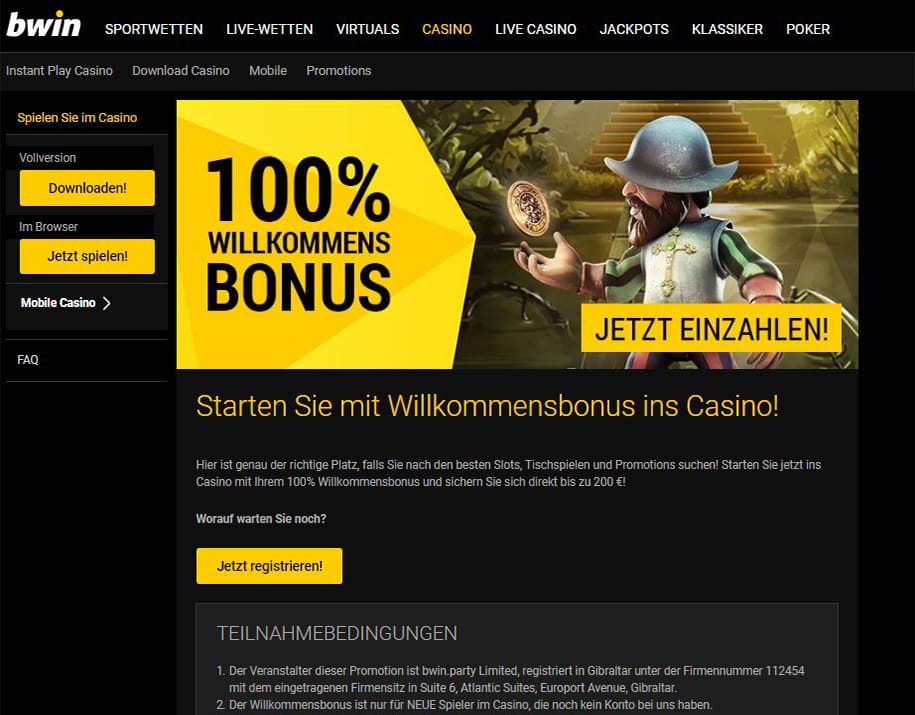
As we examine the Bwin Casino App’s compatibility across various devices in Ireland, Bwin App Download, we’ll find that it’s designed with players in mind. With support for both Android and iOS, it accommodates an broad selection of smartphones and tablets. Understanding the operating requirements and how to conveniently download the app is key. Let’s look into what makes this app a convenient choice for gaming on the go. What can we discover about its features?
Key Takeaways
- The Bwin Casino App is compatible with smartphones, tablets, and laptops running the latest iOS and Android versions for best performance.
- Powerful devices with higher RAM and quicker processors enhance gameplay, ensuring a more seamless gaming experience.
- Download the app from Google Play for Android or the App Store for iOS, adhering to the installation prompts.
- Mobile version features extensive game selection, easy-to-use interface, and convenient access to promotions and account management.
- Resolve compatibility by ensuring your device runs the newest OS, maintains a reliable internet connection, and meets app requirements.
Supported Devices for the Bwin Casino App
When we delve into the world of the Bwin Casino app, it’s crucial to know which devices can support our gaming experience. To enjoy the freedom of gaming anytime, we should ensure our smartphones, tablets, and laptops have ideal device performance.
Both iOS and Android systems usually offer smooth gameplay, but user reviews emphasize specific models that really shine. Devices with higher RAM and faster processors enhance our experience, allowing for quicker loading times and responsive action.
Checking critiques before choosing a device can guide us toward choices that countless users have appreciated. Ultimately, knowing which apparatuses stand out gives us the flexibility to play and succeed wherever we are.
Let’s adopt the journey with the appropriate tech by our side!
Operating System Requirements
How can we ensure our devices meet the essential specifications for the Bwin Casino app?
First, we need to know the OS requirements. The app typically supports the latest editions of iOS and Android, making certain our apparatuses can operate smoothly.
By verifying our gadget features against these criteria, we can secure peak operation. If our operating system is old, we may not enjoy the full gains of performance improvement that the app provides.
Keeping our OS current not only safeguards our gameplay experience but also enhances security.
Downloading the Bwin Casino App
Now that we understand the platform requirements, let’s examine how to install the Bwin Casino App.
We’ll pitchbook.com review which gadgets are supported, go through the setup steps, and address some common problems you might experience.
Together, we’ll guarantee you’re all set to experience the app without any hiccups!
Supported Devices Overview
Finding the suitable device to get the Bwin Casino App is crucial for us to have a uninterrupted gaming experience.
We can choose from various device kinds, including smartphones, slates, and notebooks, making sure we stay online while enjoying our preferred titles.
Whether we prefer the iOS or Android system, it’s important to take into account the platform distinctions that may influence app efficiency.
Each device category comes with its own pros, keeping our gameplay seamless and pleasurable.
With a little study, we can find the compatible device that suits our requirements, making every instant spent on the Bwin Casino App thrilling.
Let’s adopt the freedom to play anytime and any place by picking the suitable tech for our expedition!
Installation Process Steps
Before immersing ourselves into the thrill of gaming, let’s pause to confirm we grasp how to properly set up the Bwin Casino App.
Initially, we need to go to the app store pertinent to our devices—Google Play for Android or the App Store for iOS. Let’s look for “Bwin Casino” and select the install button.
Once the download is complete, we can set up the app by adhering to the easy prompts. It’s essential to ensure that our device settings permit for installations from unverified sources if we’re using Android.
With just a few taps, we’ll have the app ready to roll. Following this installation instruction will guarantee optimal app performance so we can immerse into our gaming experiences without a issue!
Troubleshooting Common Issues
Sometimes, problems can arise while installing the Bwin Casino App, but don’t worry—we can fix them jointly.
If we experience download errors, our primary step is to examine our internet connection. A unstable connection can obstruct app performance.
Let’s also verify we’re get the app from the official website or a reliable app store—not from random links.
If it’s still malfunctioning, restarting our device might just do the trick. Deleting the app cache or data can also fix glitches that keep us from having a smooth experience.
Lastly, upgrading our device’s software to the latest version often improves compatibility and performance.
With a few straightforward steps, we’ll resume to gaming in no time!
Features of the Mobile Version
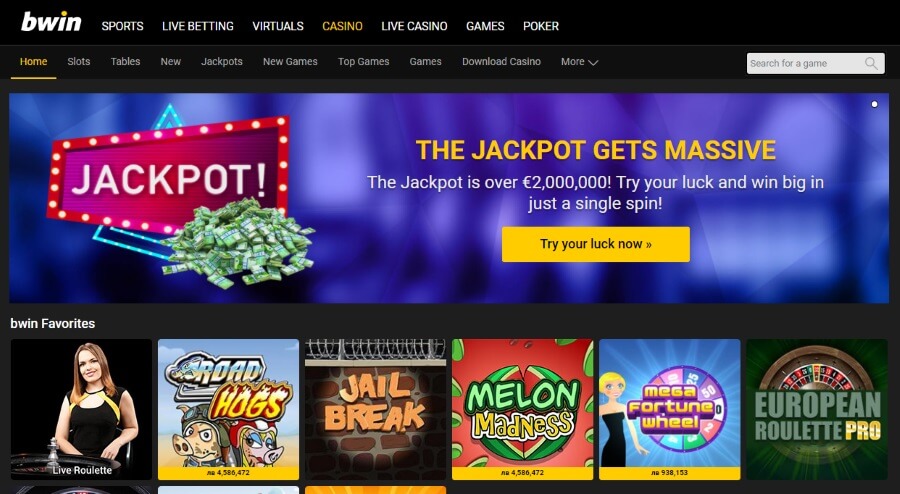
As we examine the features of the Bwin Casino app’s mobile version, it’s apparent that it’s intended to improve our gaming experience while mobile. One standout aspect is the broad mobile game variety, including everything from traditional slots to real-time dealer games.
This selection gives us the freedom to find our favorites or try something new at our leisure. The user interface design enhances our engagement, allowing us to navigate smoothly through the app.
The layout is intuitive, making it easy to locate games, reach promotions, and handle our accounts. With smooth performance and quick loading times, the mobile version enables us to experience an thrilling casino adventure wherever we are, reinforcing our passion for gaming without restrictions.
Online Access Through Desktop Browsers
While we appreciate the versatility that the Bwin Casino app offers on mobile devices, using the platform through desktop browsers also provides a robust gaming experience.
With desktop gaming, we can immerse ourselves in a wider screen that elevates our gameplay. The improved graphics and smooth navigation keep us involved as we explore various games.
Plus, desktop browsers often exhibit superior browser performance, reducing lags and letting us enjoy continuous sessions. We’ve noticed that playing on a computer allows for faster access to features, and we value how accessible the interface is on bigger displays.
Whether it’s turning the reels or making bets, we experience a stronger sense of control and freedom when gaming on our desktops.
Troubleshooting Common Compatibility Issues
Have you ever faced issues when attempting to access the Bwin Casino app? We get that compatibility issues can be annoying, impacting your user experience.
To address these pesky problems, we should first ensure our device is current. Often, outdated operating systems or apps cause compatibility issues.
Verifying our internet connection is also important; a reliable connection enhances accessibility. If we’re using a browser, emptying the cache assists too!
Sometimes, reinstalling the app can fix unseen issues. In conclusion, let’s ensure our gadget meets the app’s compatibility requirements.
Frequently Asked Questions
Can I Play Without Downloading the Bwin Casino App?
Certainly, we can savor our gaming session without installing the app!
We’ve got plenty of gaming options accessible through the mobile website, giving us access to a broad gaming selection right in our web browser.
This way, we can immerse ourselves in our favorite games immediately, embracing the freedom to play anytime, anywhere.
There’s no necessity for downloads or space concerns—just fast, easy access to the fun we enjoy!
Is There a Mobile Version for Tablets?
Indeed, there’s a portable version for tablets!
We adore how the tablet capabilities improve our gaming interaction, offering a bigger screen that makes playing even more enjoyable.
Whether we’re engaging in slots or table games, it seems like a ease navigating through the choices.
With a few taps, we can plunge right into the action without being limited.
Does the App Work on Older Device Models?
When it comes to previous models, we’ve found that the app’s functionality can differ.
While many of us appreciate the freedom of playing on our trusty older models, we should keep in mind that the app might not run as efficiently as on newer devices.
It’s worth giving it a shot to see how it works for us, but we may need to adjust our anticipations a bit.
Are There Any Specific Network Requirements for Smooth Gameplay?
When we plunge into playing, we need to contemplate network requirements to savor every second.
For smooth play, a strong network speed and connection reliability are key.
We’d desire our connection to be quick and steady, avoiding frustrating lags or interruptions that can ruin our session.
Using a trustworthy Wi-Fi or mobile data should give us the liberty to play anyplace, at any time, without worrying about connectivity issues impacting our gaming joy.
How Often Is the Bwin Casino App Updated?
We comprehend you’re keen on knowing the update regularity of the Bwin Casino app.
From what we’ve seen, the app gets updated regularly, often aimed at improving performance and executing new features.
These app enhancements not only refine user experience but also keep gameplay fresh.
Conclusion
In brief, moving through the Bwin Casino App’s extensive device compatibility is a breeze for us in Ireland. We can easily download it on our smartphones, tablets, or laptops, ensuring we savor our favorite games at any time, anywhere. With its user-friendly interface and strong performance, we’re set for a great gaming experience. If we experience any problems, troubleshooting is easy, so we can concentrate on what really is important—fun and excitement in our gaming journeys!
Contact Number : +91 93287 28921
All Rights Reserved. 2009-2022 SprechIndia.com